The Developer’s Guide to Proxy Integration: Selenium, Playwright, and Puppeteer 2026
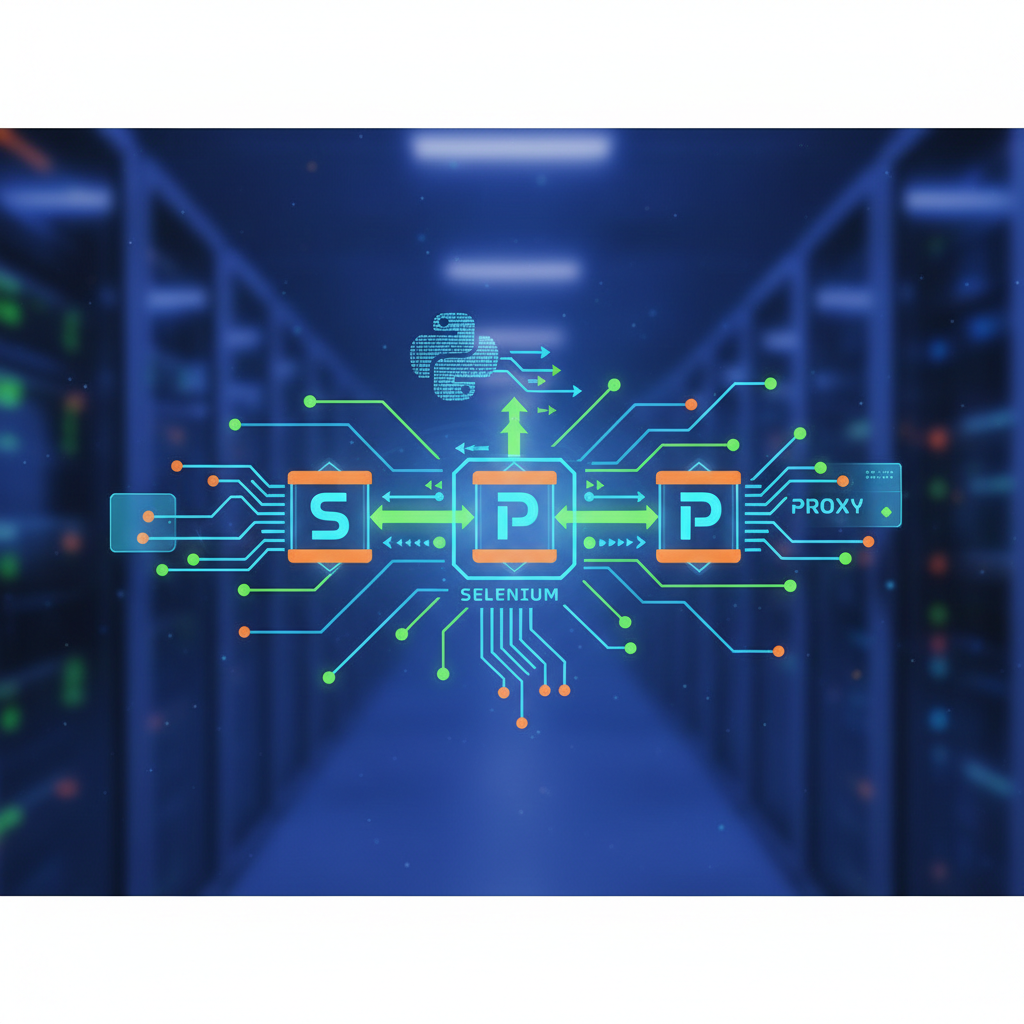
TL;DR: In 2026, efficient Python web scraping proxy integration requires moving beyond simple IP rotation to managing browser fingerprints and protocol headers. This guide demonstrates how to implement residential and data center proxies in Selenium, Playwright, and Puppeteer using modern Python and JavaScript patterns to bypass anti-bot detections.
The landscape of data extraction has evolved rapidly. In 2026, websites employ sophisticated AI-driven behavioral analysis to detect automated traffic. For developers, mastering Python Web Scraping Proxy Integration is no longer just about hiding an IP address; it is about simulating a legitimate user environment across various automation frameworks.
Whether you are building a price aggregator, a market research tool, or an automated testing suite, the choice of your orchestration tool—Selenium, Playwright, or Puppeteer—drastically changes how you handle networking and proxy middleware. This guide provides the technical blueprints for integrating proxies into the industry's most popular libraries.
1. The Core Infrastructure of Proxy Integration in 2026
Before diving into the code, it is essential to understand that modern proxying is a multi-layered approach. In 2026, the industry has standardized on three primary proxy types: Datacenter, Residential, and Mobile.
Why Protocol Choice Matters
The protocol you use to connect to your proxy server—HTTP, HTTPS, or SOCKS5—dictates the level of overhead and encryption your scraper carries. While HTTP is the most common for standard web scraping, SOCKS5 is increasingly preferred for tasks requiring high performance and lower latency. To better understand the nuances of these protocols, you can explore the SOCKS vs HTTP proxy comparison to determine which fits your specific 2026 scraping architecture.
The Role of Authentication
Static IPs are rare in high-scale scraping. Instead, developers use "Backconnect" proxies. These provide a single entry point (a gateway URL) that automatically rotates your IP on the backend. Your code only needs to handle the initial authentication—usually through IP whitelisting or Username/Password credentials—to access a pool of millions of residential nodes.
2. Selenium Proxy Setup: The Veteran Reimagined
Selenium remains a staple in the developer's toolkit due to its massive ecosystem and language support. However, in 2026, the standard webdriver.Proxy() class is often insufficient for authenticated proxies, which require a bit more finesse.
Basic Selenium Proxy Implementation
In Python, setting up a basic proxy involves configuring the Options object for your specific browser (Chrome, Firefox, or Edge).
from selenium import webdriver
from selenium.webdriver.chrome.options import Options

proxy_url = "http://your_proxy_address:port"

options = Options()
options.add_argument(f'--proxy-server={proxy_url}')
# In 2026, headless mode is more detectable, so use 'new' headless
options.add_argument('--headless=new')

driver = webdriver.Chrome(options=options)
driver.get("https://api.ipify.org?format=json")
print(driver.page_source)
driver.quit()
Handling Authentication in Selenium
Selenium does not natively support username:password authentication in the proxy URL. To solve this, developers in 2026 typically use a proxy-auth extension or a middleware like selenium-wire.
from seleniumwire import webdriver # Extends selenium to support auth

proxy_options = {
    'proxy': {
        'http': 'http://user:pass@gw.provider.com:port',
        'https': 'https://user:pass@gw.provider.com:port',
        'no_proxy': 'localhost,127.0.0.1'
    }
}

driver = webdriver.Chrome(seleniumwire_options=proxy_options)
driver.get("https://target-site.com")
3. Playwright Proxy Integration 2026: The Modern Standard
Playwright has overtaken many legacy tools because it handles modern web features like Shadow DOM and WebSockets out of the box. Its Playwright proxy integration 2026 approach is highly streamlined, allowing for per-context proxying.
Global vs. Contextual Proxies
What makes Playwright superior is the ability to launch one browser instance but assign different proxies to different "Contexts" (isolated browser sessions). This is significantly more resource-efficient than launching multiple browser instances.
from playwright.sync_api import sync_playwright

with sync_playwright() as p:
    # Defining the proxy at the browser level
    browser = p.chromium.launch(proxy={
        "server": "http://gw.hydraproxy.com:20000",
        "username": "your-username",
        "password": "your-password"
    })

    # Or defining it at the context level for specific tasks
    context = browser.new_context(
        proxy={"server": "http://different-proxy:port"}
    )

    page = context.new_page()
    page.goto("https://whatismyipaddress.com/")
    browser.close()
Advanced Fingerprinting in Playwright
Modern anti-bot systems check more than just your IP. They look at your canvas fingerprint, WebGL, and WebRTC leaks. When working with Playwright, it is crucial to ensure that your proxy doesn’t leak your real local IP through WebRTC. For a deeper dive into this risk, read about what is WebRTC and how to disable it to protect your scraper's anonymity in 2026.
4. Puppeteer Proxy Integration for Node.js Enthusiasts
While Python is king for data science, many backend scraping pipelines run on Node.js using Puppeteer. Integration here is similar to Playwright but utilizes different launch arguments.
Launching Puppeteer with Proxy
Puppeteer remains a favorite for developers who want granular control over the Chrome DevTools Protocol (CDP).
const puppeteer = require('puppeteer');

(async () => {
  const browser = await puppeteer.launch({
    args: ['--proxy-server=http://proxy-host:port'],
    headless: "new"
  });

  const page = await browser.newPage();

  // Authenticating the proxy
  await page.authenticate({
    username: 'your_username',
    password: 'your_password'
  });

  await page.goto('https://api.ipify.org');
  await browser.close();
})();
5. Integrating Proxies with Residential Pools
If you are performing high-volume tasks like e-commerce price monitoring or social media sentiment analysis, datacenter IPs will likely be blocked. In 2026, residential proxies are the industry standard for these tasks.
The Backconnect Logic
When using a residential pool, you don't swap IPs in your code manually. You connect to a gateway provided by your proxy service. The service then assigns a new residential IP from its pool for every request (or every session if you use "sticky" sessions).
Integration Tips for 2026:
- Sticky Sessions: Use a session ID in your proxy username (e.g.,
user-user123-session-abc:pass) to keep the same IP for multiple clicks. This is vital for checkout flows or multi-page forms. - Rotation Logic: Rotate your User-Agent alongside your IP. If the IP changes but the User-Agent remains identical across 1,000 requests, AI filters will flag the activity as bot-like.
6. Overcoming Common Anti-Bot Challenges
Integrating a proxy is only half the battle. In 2026, "WAFs" (Web Application Firewalls) like Cloudflare, Akamai, and DataDome use more than just IP reputation.
Headless Detection
Wait-times, mouse movements, and screen resolutions are all analyzed. If you use a proxy but your browser "identity" says you are in a different time zone than the IP located by the proxy, you will be flagged.
- Timezone Matching: Ensure your browser's
Intl.DateTimeFormatmatches the geolocation of your proxy IP. - Hardware Concurrency: Match the number of CPU cores and RAM reported by the browser to standard user hardware.
Error Handling and Retries
Even the best residential proxies can fail. Your integration logic must include robust error handling:
- 407 Proxy Authentication Required: Check your credentials or whitelist.
- 429 Too Many Requests: Slow down your request rate or switch to a fresh proxy session.
- 502/503 Service Unavailable: The residential peer has likely gone offline; retry with a new session immediately.
7. Scaling Your Scraper in 2026
As you scale from 100 to 1,000,000 requests per day, the way you manage proxies must change.
Custom Proxy Rotators vs. Managed Services
For small projects, a simple Python dictionary of proxies works. For enterprise-level scraping, developers in 2026 lean towards managed proxy gateways. These services handle the "dirty work" of rotation, health checks, and geo-targeting.
Using Multi-Accounting Browsers for Specialized Tasks
Sometimes, standard headless browsers aren't enough. When managing multiple accounts or performing highly sensitive scraping, developers integrate proxies into specialized anti-detect browsers. These tools manage fingerprints at a deeper level than Playwright or Selenium can alone.
Concluzii cheie
- Framework Versatility: While Selenium is reliable, Playwright offers the most native and efficient proxy implementation for 2026.
- Authentication Requirements: Most modern proxies require authenticated sessions; ensure your library (like
selenium-wireor Playwright’scontext.launch) supports it. - Beyond the IP: Successful Python Web Scraping Proxy Integration includes managing WebRTC leaks, matching timezones, and rotating User-Agents.
- Residential Superiority: For 2026 web scraping, residential proxies are mandatory to bypass AI-driven WAFs that easily identify datacenter ranges.
- Error Resilience: Implement a retry logic that differentiates between target site bans and proxy node timeouts.